APEX INTELLIGENCE · OFFENSIVE OS

Identify vulnerable competitors. Execute the wedge. Launch with margin certainty.

Apex Engine injects live Apex Scores directly into Amazon search results so vulnerable listings reveal themselves in real time. Apex Launch Cockpit gives you the exact blueprint, wedge, and margin model required to launch against them profitably.

Live in Amazon Cockpit in active beta No credit card
amazon.com/s?k=silicone+kitchen+utensil+set
AllKitchenToday's DealsCustomer ServiceRegistry
1-16 of over 3,000 results for "silicone kitchen utensil set"
74
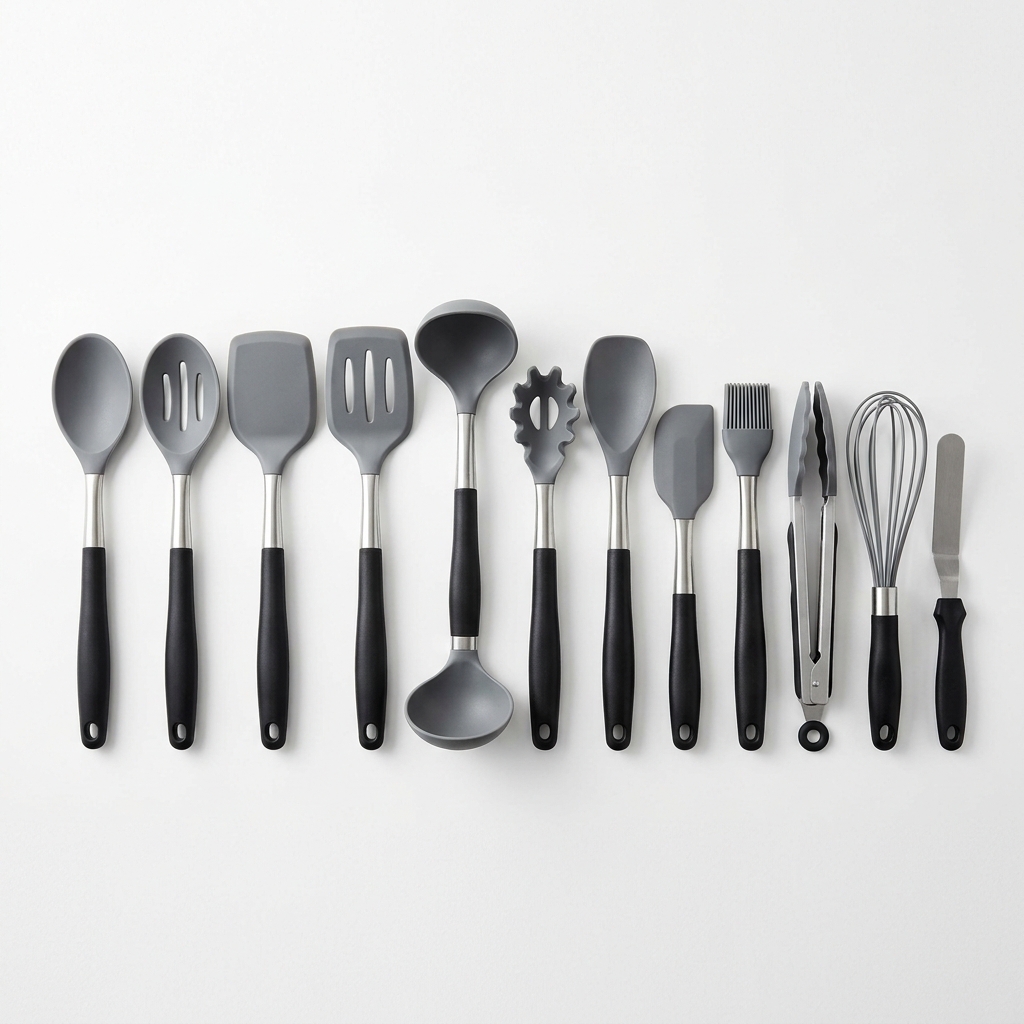
Premium Silicone Utensils 12-Piece Set Heat Resistant
★★★★☆ (2,341)
$19.99
prime
92
Complete Cooking Utensil Set with Stand (10pc)
★★★☆☆ (412)
$28.50
prime
◈ 98
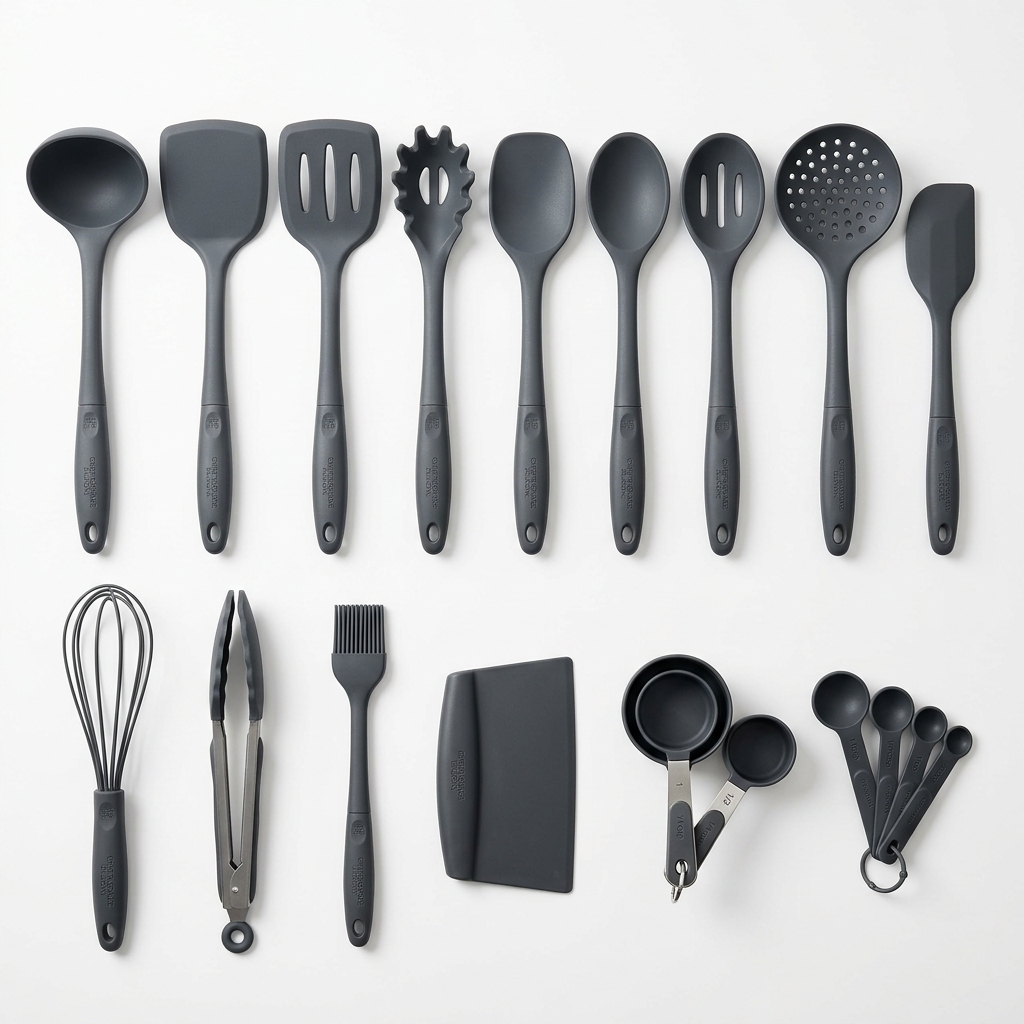
Silicone Kitchen Utensil Set (14pc) — Non-Stick Cookware Friendly
★★☆☆☆ (14)
$26.99
prime
31
Professional Silicone Cooking Set 23pc with Holder
★★★★★ (18,421)
$39.99
prime
67
Eco Bamboo & Silicone Utensil Bundle (8pc)
★★★★☆ (892)
$22.95
prime
88
Chef's Grade Silicone Kitchen Set — 16pc Complete Kit
★★★☆☆ (203)
$32.00
prime
Apex Breakdown B0CXS14UTL
Silicone Kitchen Utensil Set (14pc)
98/100
Review Moat14 · Weak
Content ScorePoor
BSR DecayStable
A+ ContentMissing
Launch Blueprint Safe to Launch

Enter at a $24.99 wedge with an added pasta fork.

Siphon category velocity from a 14-review moat. Source 14pc set + targeted utility add-on.
Net Margin $9.99 40%
Open Blueprint →
500,000+Data points analyzed
InjectedLive into Amazon search
Advanced FBABuilt for operators
BetaApex Launch Cockpit · active
THE DIAGNOSIS

Amazon sellers do not have a data problem. They have a decision problem.

Legacy tools bury operators in charts, disconnected metrics, and passive research workflows. They describe the past. They do not answer the only three questions that matter before you commit capital.

01
Is this listing actually vulnerable?
Unanswered
02
What is the cleanest wedge?
Unanswered
03
Can I launch profitably?
Unanswered
SEQUENCE · 01 / 02 / 03

From vulnerable listing to launch blueprint in three moves.

01 SURFACE

Surface the opening.

Apex Engine injects live Apex Scores into Amazon search. Vulnerable listings light up in-context, not in a dashboard you have to remember to open.

02 DIAGNOSE

Expose the weak point.

Apex Breakdown reveals the exact structural weakness — Review Moat, Content Score, BSR Decay, A+ gaps — so you know why the listing is exposed.

Review Moat14
ContentPoor
BSR DecayStable
A+ ContentNone
03 VALIDATE

Validate the launch math.

Margin Simulator runs live sourcing, FBA fees, and wedge pricing against the target. No spreadsheet. No guessing. A number you can execute against.

Net Margin Safe $9.99 · 40%
CORE MODULES

Five surfaces. One offensive intelligence engine.

Each module answers a specific question an advanced operator actually asks — not an abstract metric dumped into a chart.

Apex Engine
Free · Injected

Live Apex Score pills rendered directly on Amazon search results. The entire category reveals its vulnerability profile at a glance.

98 92 88 74 67 31 84 56 22
Apex Breakdown
Diagnostic

Hover a listing. Get the structural readout — Review Moat, Content Score, BSR Decay, A+ gaps — ranked by exploitability.

Moat14
ContentPoor
A+None
Launch Blueprint
Pro

The exact attack path — wedge, price, differentiator, add-on — written as executable instructions.

Enter at $24.99
Add pasta fork variant
Target 14-review moat
Margin Simulator
Pro

Live sourcing, FBA, and landed-cost math with a verdict — not just a calculator.

$9.9940% NET
Defense Matrix
Pro

PPC resistance and moat pressure at-a-glance, so you know what you're walking into.

Target Feed
Pro · Synced

Every ASIN you've flagged, synced into one workspace. Velocity, margin posture, and blueprint state — live across sessions and devices.

B0CXS14UTL+$9.99 · 40%
B0C7HR3K2P+$6.40 · 28%
B0D1NNM8QV+$11.20 · 43%
WORKED EXAMPLE · CATEGORY: KITCHEN

What an Apex target actually looks like.

A live Apex Engine readout on a category-velocity listing with a structurally weak review moat and missing A+ content.

TARGET

Silicone Kitchen Utensil Set (14pc)

ASIN · B0CXS14UTL · Kitchen & Dining
Apex Score
98
/ 100
Review Moat 14 · Weak
Content Score Poor · Missing A+
Launch Blueprint Safe to Launch

Highly vulnerable listing. Source a 14pc set with an added targeted utility tool such as a pasta fork and enter at a $24.99 price wedge to siphon category velocity.

Margin Simulator
Target Price$24.99
Base Unit Cost−$5.00
Included Add-on Cost−$2.50
Estimated FBA Fees−$7.50
Net Margin$9.99· 40%
TIERS · ENGINE & COCKPIT

Apex Engine identifies the target. Apex Launch Cockpit tells you how to take it.

APEX ENGINE

Free.

$0 · forever
  • Injected Apex Scores inside Amazon
  • Real-time vulnerability discovery
  • Rapid product triage
  • Apex Breakdown diagnostics
Get Started Free
APEX LAUNCH COCKPIT

Pro.

$29 / month
  • Launch Blueprint generation
  • Margin Simulator
  • Wedge validation
  • Defense Matrix
  • Target Feed & synced workflows
Start Pro — $29/mo
BEFORE · AFTER

Legacy tools show you the battlefield. Keen tells you where to strike.

◎ LEGACY RESEARCH TOOLS

Historical charts. Detached research. No verdict.

Historical charting of BSR and price
Raw metrics, disconnected from action
Detached research workflow, separate tabs
Manual FBA fee estimation in spreadsheets
Passive review — decision left to you
◆ KEEN · APEX INTELLIGENCE

Live vulnerability scoring. Injected workflow. Executable verdict.

98Silicone Utensil Set (14pc)Safe · Launch
92Cooking Utensil Set w/ StandWedge Ready
74Premium 12-Piece SetMoat Weak
31Professional 23pc w/ HolderDefended
Live vulnerability scoring, rendered on Amazon
Launch Blueprint — the exact attack path
Injected workflow, zero context switching
Live Margin Simulator with a verdict
Execution certainty before capital commits
BUILT FOR OPERATORS

For operators who care about economic truth.

500K+
Data points analyzed across category-velocity listings.
Live
Synced dashboard environment. Target Feed state persists across sessions.
Real-time
Apex scoring rendered inside Amazon search — no dashboard round-trip.
Beta
Apex Launch Cockpit in active beta with advanced FBA private-label operators.
FINAL MOVE

Stop staring at product charts and start taking share.

Use Apex Engine to surface vulnerable listings directly inside Amazon. Upgrade to Apex Launch Cockpit when you want the blueprint, wedge, and margin math behind the move.

DESIGN SPEC · NORTH STAR

A design spec, written for operators.

This companion document translates the homepage into a reusable product language — what every screen inherits, how components relate, and the order to ship changes in.

◆ NORTH STAR

Every surface should answer one question: "Is this vulnerable, and can I profitably take it?" — before the operator commits attention, capital, or inventory.

POSITIONING

Offensive, not observational.

Language, color, and motion should feel like a firing solution — not a dashboard. Every screen has a verdict, a target, and a next move.

SURFACE LOGIC

Injected > hosted.

Intelligence appears where operators already work (Amazon, then Cockpit). Dashboards are for managing state, never for first-touch discovery.

MATERIAL

Glass, not flat.

Deep-space blue base, cyan intelligence glow, neon-green verdicts, red for defended states. Layered glass panels give hierarchy without decoration.

SCREEN-BY-SCREEN

Every surface, spec'd.

Five core screens, each with purpose, user mindset, hierarchy, layout, components, UX improvements, visual tone, and responsive notes.

Target Feed
Blueprints
Margin
Defense
Settings
Target Feed12 LIVE
Flagged
47
Avg Apex
82
Margin ✓
$2.4K
Risk
3
TARGETAPEXMOATMARGIN
Silicone Utensil Set 14pc9814$9.99
Bamboo Cutting Board9222$6.40
LED Motion Sensor Strip8831$11.20
Collapsible Colander Set7484$4.20
Stainless Pet Bowl67112$3.10
Magnetic Spice Rack312,401
SCREEN 01

Target Feed (dashboard home)

The operator's command surface. The first thing you see after sign-in — flagged targets, live Apex posture, and which ones have a Blueprint ready to execute.

User mindset
"What's vulnerable right now, and where is my capital best deployed today?"
Hierarchy
1. Feed of targets (sortable by Apex, Moat, Margin). 2. Four KPI cards above. 3. Filter rail for categories / risk bands.
Layout
Fixed left rail (140–220px), KPI row, filter bar, dense dark table with inline Apex pills, hover-reveal Breakdown drawer.
Components
Apex PillKPI CardDense TableFilter ChipDrawerSide Rail
UX improvements
Keyboard nav over rows (j/k). Inline "Open Blueprint" action on hover. Bulk-flag with shift-click. Saved views.
Visual tone
Dense, dark, high-contrast. The table is the interface. No decorative charts in the primary viewport.
Desktop / Mobile
Desktop: 3-pane (rail / feed / inspector). Mobile: feed-first; Breakdown opens as bottom sheet, rail becomes hamburger.
◆ APEX BREAKDOWN
B0CXS14UTL
98/100
Moat 14
Content Poor
BSR Stable
SCREEN 02

Apex Breakdown (detail / drawer)

Invoked from any Apex Score pill — in Amazon, in the feed, in a Blueprint. Exposes the structural weakness with a verdict and two action paths.

User mindset
"Why exactly is this listing a 98? Is the weakness real, or cosmetic?"
Hierarchy
Apex Score (giant serif, glowing) → weakest metric bars → verdict strip → two CTAs (Open Blueprint / Analyze Target).
Layout
Popover when injected in Amazon; bottom sheet on mobile; inline drawer from Target Feed.
Components
Metric BarApex Score GlyphVerdict ChipCTA RowPopoverDrawer
UX improvements
Each bar is focusable with a "why this" tooltip. Scroll-lock while open. Esc always closes. Hover-delay tuned to 120ms (not instant).
Visual tone
Glass, floating, clearly detached from page content. Score is the hero — everything else supports it.
Desktop / Mobile
Desktop: right-edge popover with arrow. Mobile: full-width bottom sheet with drag handle and snap points.
◆ LAUNCH COCKPIT
SAFE
Silicone Utensil Set (14pc)
B0CXS14UTL
Wedge
$24.99
Add-on
Pasta fork
Net Margin $9.99 40%
SCREEN 03

Apex Launch Cockpit (execution view)

The paid execution environment. Opens from a Blueprint. Single target in focus with wedge, add-on, sourcing math, defense posture, and an Execute path.

User mindset
"I believe this target is vulnerable. Walk me through the exact launch economics before I place sourcing."
Hierarchy
Target header → wedge + add-on parameters → Margin Simulator → Defense Matrix → Execute CTA.
Layout
Full-bleed focus view. Left: target & parameters. Right: simulator & defense. Sticky action bar at bottom.
Components
Parameter CardMargin SimulatorDefense MatrixAction BarVerdict Chip
UX improvements
Every input re-runs math live (debounced 250ms). Scenarios savable as named variants. Cmd+Enter executes. "What changed since I last opened this?" diff banner.
Visual tone
The most glowing surface in the product. This is where the decision happens — it should feel weighty.
Desktop / Mobile
Desktop: two-column with sticky action bar. Mobile: stacked; action bar always pinned; defense matrix collapses to summary chip.
amazon.com — results
98
74
31
Breakdown
98
Moat 14 · Poor A+
SCREEN 04

Injected Amazon surface (Apex Engine)

The primary discovery surface. Runs inside Amazon via browser extension. Apex Score pills render on every result card with hover-reveal Breakdown.

User mindset
"I'm scanning a category the way I always do — just show me who's exposed without making me leave."
Hierarchy
Apex pill is the signal. Card is Amazon's. Breakdown on hover. Single "Open Blueprint" CTA in the popover.
Layout
Pill position: top-left of thumbnail, 8px inset. Z-index managed to clear Amazon's own badges. Popover flips side based on viewport edge.
Components
Apex PillBreakdown PopoverOpen Blueprint Button
UX improvements
Graceful when Amazon changes DOM. Never blocks Amazon's native actions. One-key shortcut (K) to jump focus to highest Apex on page.
Visual tone
Restraint. We're a guest on Amazon's page. Pill reads in 300ms. Popover feels like a native surface, not a web overlay.
Desktop / Mobile
Desktop: browser extension only. Mobile: Apex Engine app acts as a companion search with identical injection aesthetic.
Account · Plan
Apex Launch Cockpit
PRO · BETA
$29/mo
Next renewalNov 14, 2026
Synced ASINs47 / ∞
Blueprints run312
SCREEN 05

Account & Settings

Plan state, device sync, PPC defaults, sourcing profile (FBA fees, landed-cost model). Rarely visited but critical — should feel trustworthy, not marketing.

User mindset
"I'm here because something about my billing, sync, or sourcing defaults changed."
Hierarchy
Plan card at top. Sourcing & fee defaults mid-page (these affect every simulation). Device/auth at bottom.
Layout
Single column, max 720px. Cards grouped by domain. No decorative visuals.
Components
Settings CardInline Editable FieldPlan BadgeDestructive Confirm
UX improvements
Every field autosaves with a subtle "saved" chip. Changes to sourcing defaults warn "this will affect N active Blueprints".
Visual tone
Calm. Utilitarian. No glow. This is maintenance mode, not the firing solution.
Desktop / Mobile
Identical on mobile. Forms full-width; section anchors in a top tab bar.
COMPONENT SYSTEM

14 components. One product language.

Every surface in the product reuses this set. No one-off widgets. No decorative components.

01 · SIGNAL

Apex Pill

The primary unit of intelligence. Appears on every listing, target, and row. Three states: high / mid / defended.

98 · APEX 74 · APEX 31 · APEX
Where: Amazon-injected cards, Target Feed table, Breakdown, Cockpit header. Never: decorative, without a target attached.
02 · ACTION

Buttons

Primary = executable (neon-green). Ghost = exploratory. Link = navigational.

Run Math
Rule: only one primary per viewport. Primary always connects to capital or execution.
03 · SURFACE

Glass Panel

The base container for every card, popover, sheet. Background-tinted glass, hairline border, soft shadow.

◆ PANEL
Base glass surface — one border-radius, one blur level, consistent across sizes.
Rules: radius 12px (cards) / 18px (feature panels). Never stack more than two glass layers.
04 · HIERARCHY

Eyebrow & Kicker

Uppercase mono labels that always precede serif headlines. Establishes the "military readout" voice.

APEX INTELLIGENCE · 01 TARGET · B0CXS14UTL
Where: section heads, card headers, panel titles. Never: in body copy.
05 · VERDICT

Status Chip

Compact verdict units: Safe / Defended / Moat Weak / Wedge Ready. Dot + label, always color-bound to meaning.

SAFE MOAT WEAK DEFENDED
Rule: never more than one chip per row. Color maps to semantic, never to brand.
06 · DATA

Metric Bar

Tri-gradient (red → amber → green) horizontal bar. Used everywhere a dimension contributes to Apex.

Moat14
BSR78
Rule: bar width = absolute value, never ranked/normalized. Operators read these fast.
07 · DATA

Dense Table

Monospaced, low row-height, hover-reveal actions. No zebra striping — it fights the Apex pill.

TARGET APEX MOAT MARGIN
Utensil Set 14pc9814$9.99
Where: Target Feed, Defense Matrix list mode, Blueprint queue. Row height: 28px; never taller.
08 · CONTAINER

Drawer & Popover

Two forms of the same content: drawer on the right edge for inspection, popover attached to a trigger for hover-reveal.

Breakdown
98
Rule: drawer for state that matters when dismissed; popover for ephemeral insight. Same internals.
09 · LAYOUT

Side Rail

Fixed navigation spine for dashboard surfaces. Mono labels, one active state, no icons (icons are noise at this density).

Target Feed
Blueprints
Margin
Width: 140px collapsed / 220px expanded. No icons unless labels become ambiguous.
10 · INPUT

Form Field

Dark inputs with cyan focus ring, mono text for numeric fields, debounced live validation.

Numeric fields: mono. Text fields: sans. Focus ring = cyan, 3px @ 0.15 alpha.
11 · FEEDBACK

Empty & Loading States

Empty = pattern + one verb CTA. Loading = glass skeleton with subtle scanline pulse.

No targets flagged
Never: illustrations. Always: what the operator should do next, one verb.
12 · ECONOMICS

Margin Readout

Reusable serif-headline block for dollars + percentage. Appears in Blueprints, Cockpit, Feed totals.

Net$9.9940%
Rule: always dollars + percentage. Never dollars alone.
13 · DENSITY

Defense Matrix

Grid-of-cells heatmap for PPC resistance. Cell color = pressure; cell shape is constant.

Rule: never more than 3 color stops. Labels on hover only — matrix should read at a glance.
14 · MOTION

Motion Primitives

Three durations: 120ms (hover), 240ms (panel), 800ms (scroll reveal). One easing: cubic-bezier(0.2, 0.7, 0.2, 1).

120MS
HOVER
240MS
PANEL
800MS
REVEAL
Never: bounces, overshoot, or easing per surface. Motion should feel like a focus change — precise, not playful.
IMPLEMENTATION ROADMAP

Three phases. Ship high-leverage work first.

Ordered by impact density — what changes the way the product reads fastest, for the lowest implementation cost.

PHASE 01

Fast wins

Week 1 · ~3 engineer-days
  • 01Adopt the token palette — bg #0a0e1a, accent #38bdf8, success #4ade80, danger #f87171. Replace all raw hex usage across the app.UI
  • 02Ship the Apex Pill component. Replace every existing score readout in one PR.UI
  • 03Force DM Sans + Instrument Serif via one global stylesheet. Remove all other font references.UI
  • 04Replace all "View / Monitor / Track" microcopy with operator verbs (Analyze / Open / Run / Execute).UX
  • 05Set `color-scheme: dark` globally; remove any lingering light-mode branches.UI
  • 06Ship the Margin Readout component everywhere dollars currently appear.UI
PHASE 02

Structural cleanup

Weeks 2–4 · ~2 engineer-weeks
  • 07Extract shared glass-panel primitive. Audit every card-like surface in the app and migrate — one per sprint-day.ARCH
  • 08Collapse all bespoke tables into one DenseTable component with sorted/virtualized rows.ARCH
  • 09Unify Breakdown into one component rendered in three modes: popover (Amazon), drawer (Feed), inline (Cockpit).ARCH
  • 10Replace legacy chart pages. Time-series charts are acceptable only inside Breakdown, never as a primary surface.UX
  • 11Introduce motion tokens (120 / 240 / 800ms) as CSS custom properties. Delete all one-off durations.UI
  • 12Responsive audit: every screen must have a tested mobile layout with bottom-sheet pattern for Breakdown.UX
PHASE 03

Premium polish

Weeks 5–8 · ~4 engineer-weeks
  • 13Ambient scanline grid + mouse-reactive glow on marketing surfaces only (never in-product).UI
  • 14Keyboard nav everywhere: j/k over Target Feed rows, Cmd+Enter executes in Cockpit, Esc always closes.UX
  • 15Saved scenarios in Cockpit with named variants and diff banner ("what changed since I last opened this").UX
  • 16Real-time Target Feed sync via websockets; optimistic updates with scanline pulse on stale rows.ARCH
  • 17Defense Matrix hover-to-explain with live PPC CPC inputs bound to sourcing profile.UX
  • 18Browser-extension polish: graceful DOM resilience, highest-Apex keyboard jump, telemetry for breakage.ARCH
FIRST 10 UI CHANGES

Ship these ten things this month.

Sorted by impact-to-effort ratio. Anyone on the team can pick one up and close it inside a day.

  1. 01Adopt the dark token palette globally. One CSS file. Delete every light-mode fallback. Single largest perceived quality jump.UI
  2. 02Ship Apex Pill. It's the only signal that matters. One component, one color map, three states.UI
  3. 03Replace display font with Instrument Serif. Only on H1/H2. Body stays DM Sans. No other display faces.UI
  4. 04Rewrite CTAs as operator verbs. "Get Started Free" / "Start Pro" / "Open Blueprint" / "Run Launch Math". Ban "View" and "Monitor".UX
  5. 05Kill every decorative chart on the primary dashboard. Replace with Target Feed table. Charts go inside Breakdown only.UX
  6. 06Add injected Apex Score pills to the Amazon extension. This is the product's defining moment of perceived value.UI
  7. 07Ship Margin Readout. Every dollar + percentage block becomes this component, including the final CTA card.UI
  8. 08Add Safe / Defended / Moat Weak status chips. Place one on every Target, one on every Blueprint.UI
  9. 09Remove all emoji, all rounded-illustration empty states. Replace with one-verb CTA. This alone removes 80% of the "generic SaaS" feel.UX
  10. 10Ship the new homepage. The one rendered in this project. Ship it to keen.technology root before any in-product change lands.UI
◆ FOLLOW-UP PROMPT

"Using the Keen Apex design system and component library, generate the fully interactive Target Feed dashboard screen, the Apex Breakdown drawer in all three modes (popover / drawer / inline), and the Apex Launch Cockpit execution view. Use the same tokens, typography, and motion primitives. Desktop-first with mobile fallbacks."

Tweaks